| .. | ||
| css/font-awesome | ||
| forty | ||
| img | ||
| js | ||
| CNAME | ||
| feed.xml | ||
| freelancer-theme-jekyll.gemspec | ||
| index.html | ||
| LICENCE | ||
| old-index.html | ||
| Rakefile | ||
| README.md | ||
| Resume-Steven-Milanese.pdf | ||
| screenshot.png | ||
| stevenmilanese.vcf | ||
| style.css | ||


Freelancer Jekyll theme 
Jekyll theme based on Freelancer bootstrap theme
How to use
- Place a image in
/img/portfolio/ - Replace
your-email@domain.comin_config.ymlwith your email address. Refer to formspree for more information. - Create posts to display your projects. Use the follow as an example:
---
layout: default
modal-id: 1
date: 2020-01-18
img: cabin.png
alt: image-alt
project-date: January 2020
client: The Client
category: Web Development
description: The description of the project

---
Demo
View this jekyll theme in action here
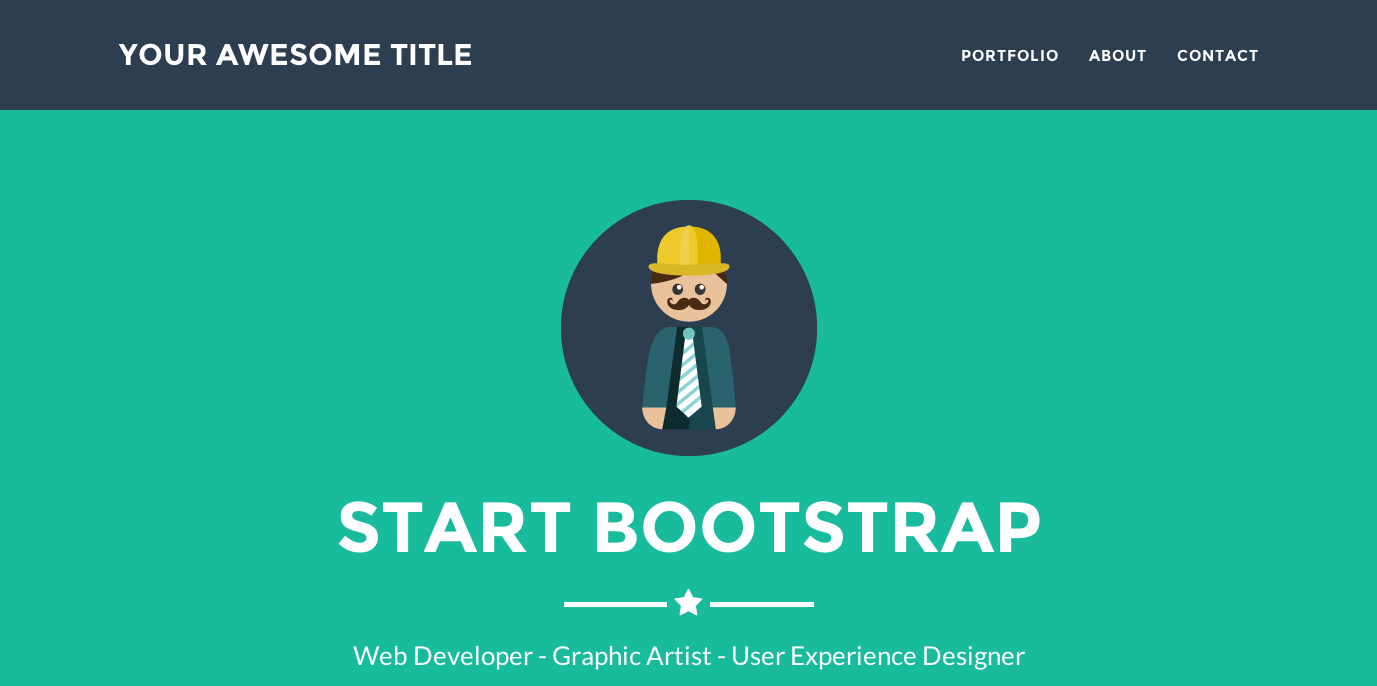
Screenshot
For more details, read the documentation